
ETGARIC DIGITAL · BUSINESS SYSTEMS
CRM integrations that keep the right information moving
Your website, CRM and messaging tools may each work well while the team still copies information between them. We connect the required steps so an enquiry reaches the right record, a change reaches the right system and exceptions remain visible.
Which connection would remove repeated work?
| Connection | Possible result |
|---|---|
| Website → CRM | A submitted enquiry creates or updates a record with its source |
| Chat → employee | Relevant details reach an owner with a follow-up task |
| CRM → calendar | A confirmed event appears in the agreed schedule |
| Store → customer service | Authorised staff can see the order information needed to help |
| Business system → management | Defined statuses support a shared operational view |
Decide the source of truth first
If two systems hold a phone number or order status, we need to know which one can change it. We map fields, identifiers, formats and required values. A two-way connection needs explicit conflict rules; otherwise an old value can overwrite a newer one. We also distinguish a new customer from a repeated request by an existing customer.
A useful integration includes the exception path
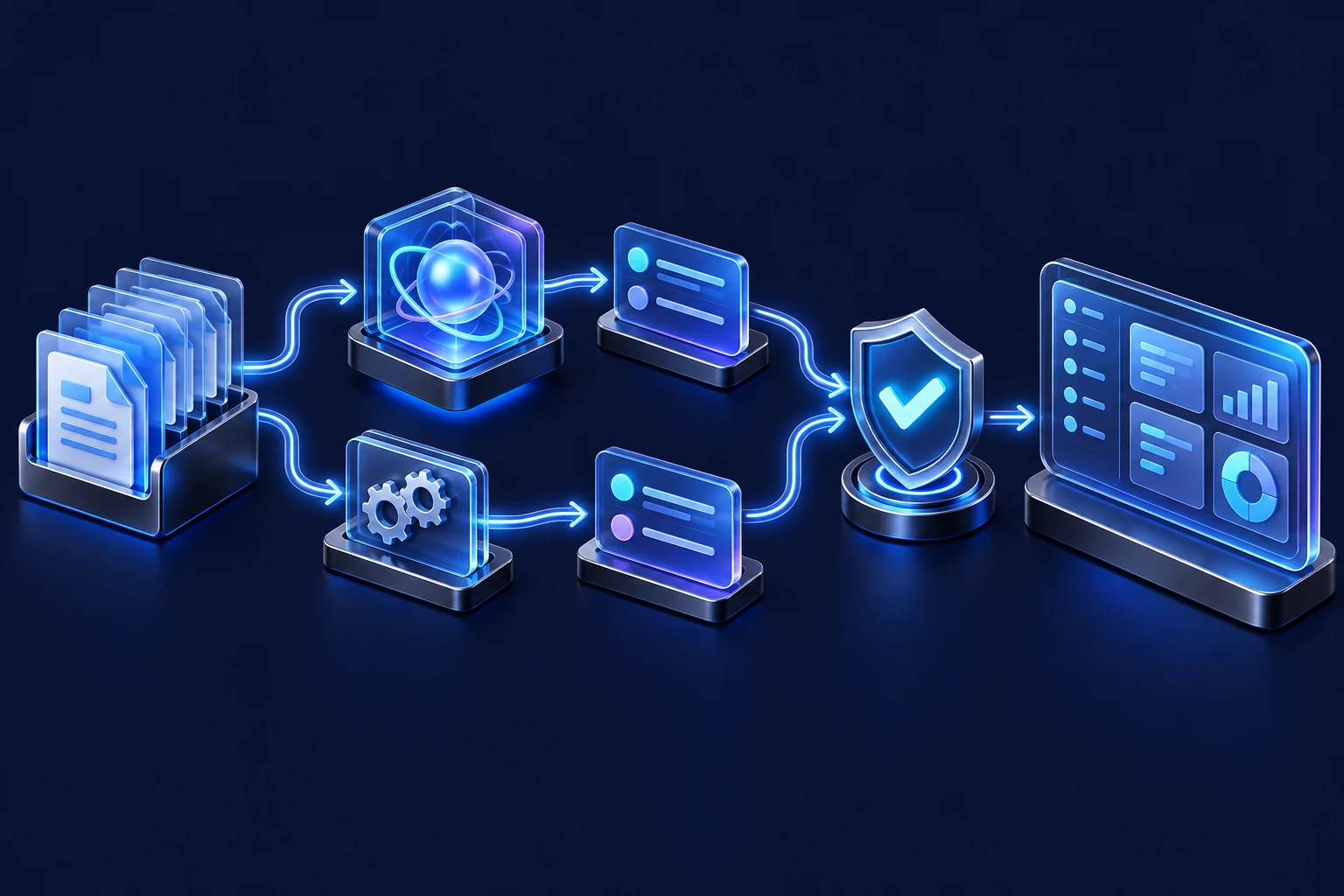
- Validated source event
- Record matched or created
- Approved target updated
- Result or exception recorded
Check the tools before promising the connection
- Supported APIs, available connectors and the subscription tier required to use them.
- Permission to read or change the relevant records.
- Data fields, limits and any manual step that must remain.
- How repeated events, unavailable services and rejected updates are handled.
- A safe test path before important records are changed.
Examples across different business processes
For a service company, a website form can identify the requested service and area, then create a CRM task for the right person. A later status change may produce an agreed customer notification. The team should be able to see when an enquiry has not reached its destination.
For a store, a connection may expose order status to authorised customer service without copying unnecessary payment data into a chat. For a professional office, it may link a customer record to a deadline and responsible employee. Each connection is limited to the information the workflow needs.
Implementation and handover
We agree a field map and acceptance cases, build the connection, then test new and existing records, missing fields and failures. The handover identifies connection owners, credential renewal, operating checks and the way to replay or resolve an exception. A connector’s existence alone does not mean the complete process is ready.
Costs and future changes
Some tools require paid access for integrations. The quote separates our work from software licenses, automation-platform use and maintenance. If an external service changes its interface or limits, the connection may need adaptation. We define ongoing support and change responsibility before launch.
Frequently asked questions
Do we have to replace the CRM?
No. This service is designed to connect useful existing tools where their supported interfaces allow it.
Can everything be synchronised in real time?
We agree which fields need immediate updates and which can use scheduled processing. Availability and delays depend on the connected services.
What if the software has no supported integration?
We review export/import options and other authorised approaches. A manual checkpoint or different scope may be more dependable than a fragile workaround.
Does connecting a tool give all employees access to its data?
No. We define separate user and integration permissions and expose only what the workflow requires.
Which information are you copying twice?
List the systems, the record or event that should move and the action expected at the destination. We will check the supported connection options.