
ETGARIC DIGITAL · BUSINESS SYSTEMS
WhatsApp bots for enquiries, service and organised follow-up
Your customer is already writing in WhatsApp. A useful bot helps them reach the right answer or employee while keeping the request in the business workflow. We develop guided conversations and optional AI responses connected to your services, team and systems.
Choose a job for the bot
| Business situation | Possible workflow |
|---|---|
| A service company | Collect the service, area and preferred time before staff follow-up |
| An online store | Answer approved product questions and retrieve an authorised order status |
| An appointment-based business | Check available times and request a booking confirmation |
| A sales team | Route enquiries, record context and create the next follow-up task |
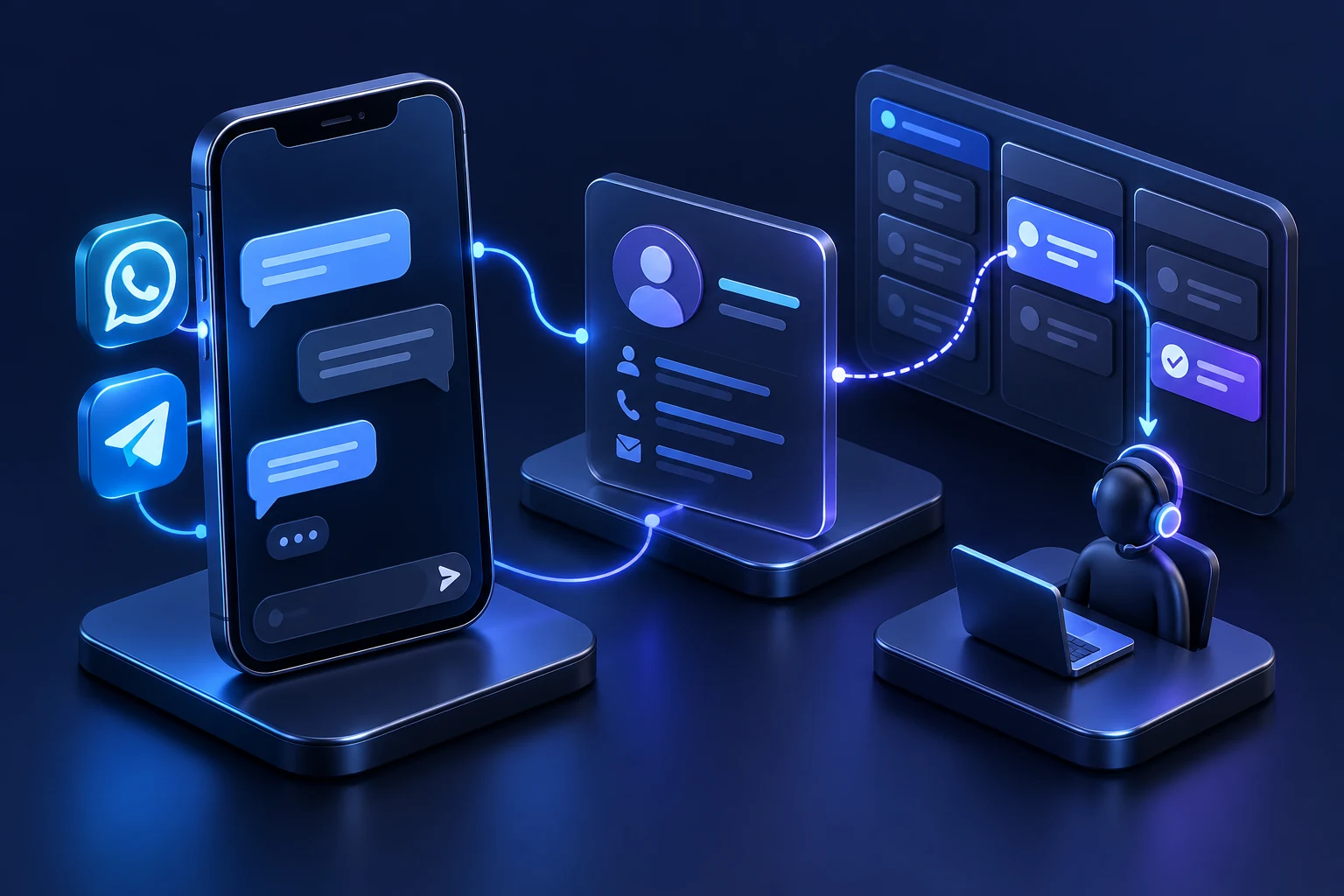
A conversation that reaches the right employee
- Customer asks
- Bot collects relevant details
- Request reaches an owner
- A person continues with context
Design the conversation before connecting AI
We define the main questions, useful buttons and short answers in the languages your customers use. The conversation should handle a changed choice, incomplete details and an explicit request for a person. Working hours and the expected next step are visible.
A scripted flow suits known choices and structured requests. AI can help interpret varied wording or draft an answer from approved material. Prices, availability and commitments come from agreed sources; sensitive actions can require confirmation.
Connect the chat to the actual work
- Create or update the right customer record and preserve the request source.
- Assign the enquiry to an employee, department or service area.
- Connect supported booking or order systems with appropriate identity checks.
- Keep failed transfers visible and allow staff to continue manually.
Build for WhatsApp Business Platform
We review the business account and connection route. Contact permission, approved templates outside the customer-service window and human escalation are part of the conversation design. The window lasts 24 hours after a customer message. Account and template decisions remain with the platform.
What the implementation includes
Define
Agree the main journey, languages, data fields, integrations and handoff.
Build
Implement the conversation, business rules, connections and any approved AI functions.
Check
Test unfamiliar wording, a returning customer, repeated messages and a person taking over.
Handover
Provide operating instructions and agree who maintains answers, accounts and technical support.
Understand setup and running costs
The quote separates development from hosting, provider fees, messaging and optional AI usage. Some WhatsApp message categories are charged by the platform; current rates and your expected use shape the operating budget. We identify the required accounts before you commit.
Frequently asked questions
Does the bot have to use AI?
No. Menus, forms, routing and reminders can use clear rules. AI is an optional component chosen for a specific task.
Can we keep our existing number?
We check the number, current app or provider setup and available connection options before recommending a migration.
Can it replace every employee conversation?
It should handle a defined scope and make handoff easy. Complex requests and decisions can remain with your team.
Can it connect to our existing CRM?
Usually this depends on the CRM’s supported integration options and permissions. We check the required actions and data before quoting.
Further reading: WhatsApp Business: messaging policy · WhatsApp Business: platform pricing
What should happen after a customer sends a message?
Send your main enquiry types, preferred languages, current WhatsApp setup and the system that should receive the request.